

If you’re building your first website, two terms you’ll hear right away are domain and hosting. They may sound technical, but once you understand how they work—and how they work together—the entire idea of getting a website online becomes much clearer.
Let’s break it down in simple language.
What Is a Domain?
A domain is your website’s name or address on the internet.
Example:
When someone types your domain into a browser, it helps them reach your website—just like typing an address into Google Maps takes you to a specific location.
A domain = your website’s address.
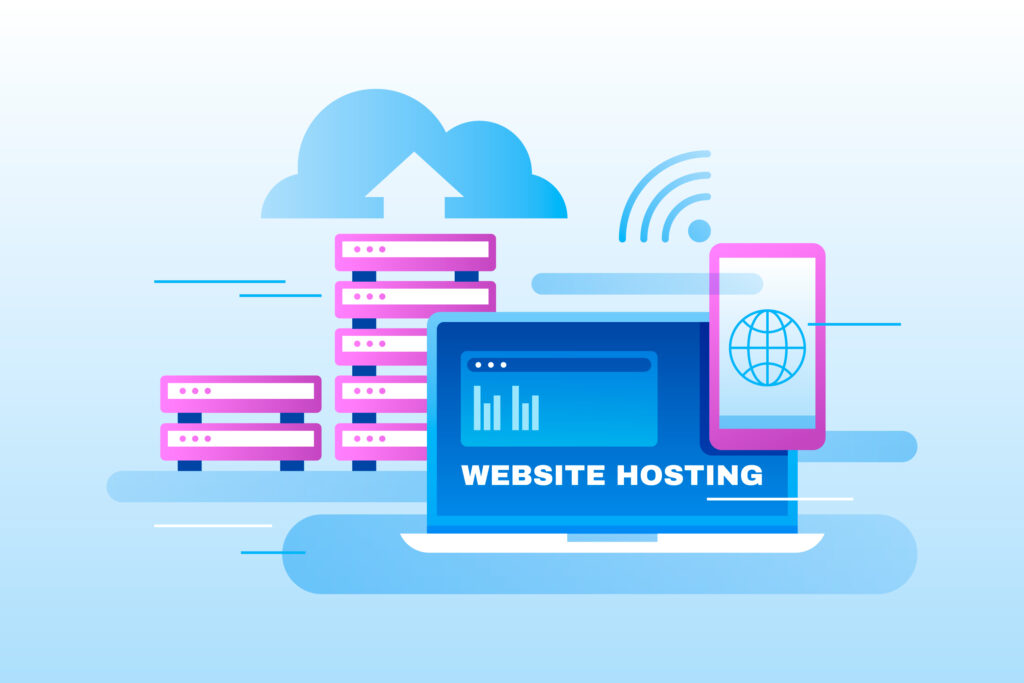
While a domain is an address, hosting is the land or space where your website lives.
A hosting provider stores:
When someone visits your domain, hosting delivers the website files to their browser.
Hosting = the home where your website’s data is stored.
Think of your website like a house:How Domains and Hosting Work Together:
You need both to get your site online.
A visitor types your domain name into their browser.
The domain’s DNS (Domain Name System) points to your hosting server.
The hosting server receives the request.
Hosting delivers your website files back to the visitor’s browser.
Your website appears on the screen.
Without a domain, users wouldn’t know where to find you.
Without hosting, there’s nothing to show them.
Having a domain only is like having an address but no house.
Having hosting only is like building a house but not giving anyone directions to find it.
Both must work together for a functioning website.
Some popular domain types include:
.com – most common
.in – India-specific
.org – organizations
.net – networks
.shop / .store – ecommerce
.io – tech startups
Choose a domain that’s short, memorable, and relevant to your brand.
Depending on your website needs, you can choose from:
Affordable and ideal for beginners. Multiple websites share the same server.
More power and dedicated resources. Good for growing websites.
You get an entire server to yourself. Best for large websites.
Flexible, scalable, and reliable. Great for businesses that expect traffic spikes.
Specifically optimized for WordPress sites.
DNS (Domain Name System) is what connects your domain and hosting.
When you buy a domain, you set the nameservers given by your hosting company, usually something like:
ns1.hostingcompany.com
ns2.hostingcompany.com
This tells the domain where to look for your website files.
You purchase a domain: mybrand.com
You purchase hosting from a provider.
You install your website (WordPress, HTML, etc.).
You connect the domain to your hosting via nameservers.
Your website goes live and is accessible to everyone.
No.
You can buy a domain from GoDaddy and hosting from Bluehost, Hostinger, or any other provider.
You just need to point the domain to your hosting account via DNS.
Domains and hosting are two essential parts of getting your website online. In simple terms:
Domain gives your website a name.
Hosting gives your website a home.
When they work together, anyone anywhere in the world can access your site with a single click.
Let’s discuss IT strategy, services, and business solutions & compliance concerns.

DK Online Solutions delivers reliable Computer Education and IT solutions across the Middle East.
Copyright © 2026 DK Online Solutions